This plugin is designed for Utility Augments of the UA-S series, and is strictly used to view data in a meaningful way. Note that whenever you get a new Utility Augment, it is highly recommended you update Karyon. This guide is meant specifically to be generic and uses fake data with a minimal configuration. If you need more information on specific Utility Augments, please view the product page on those augments.
In your first time accessing the UA Input Plugin, you will see every UA port listed as “Vacant” and a black rectangle at the bottom. By default, Karyon does not know what you have attached to Cerebrum, so you must tell it what you have attached.
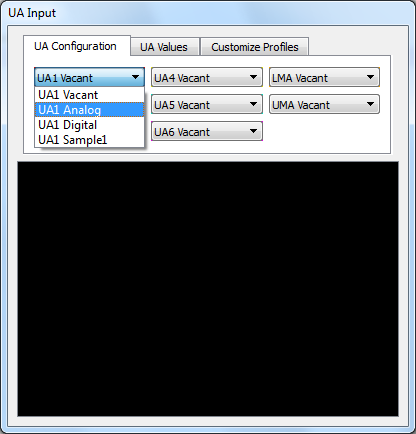
Suppose, for example, that you have a Utility Augment capable of